ACBuy Spreadsheet: find the item, plan the order
Browse product links, check the seller and size, then use ACBuy to purchase, inspect and ship. Start with a category or search for the item you want.

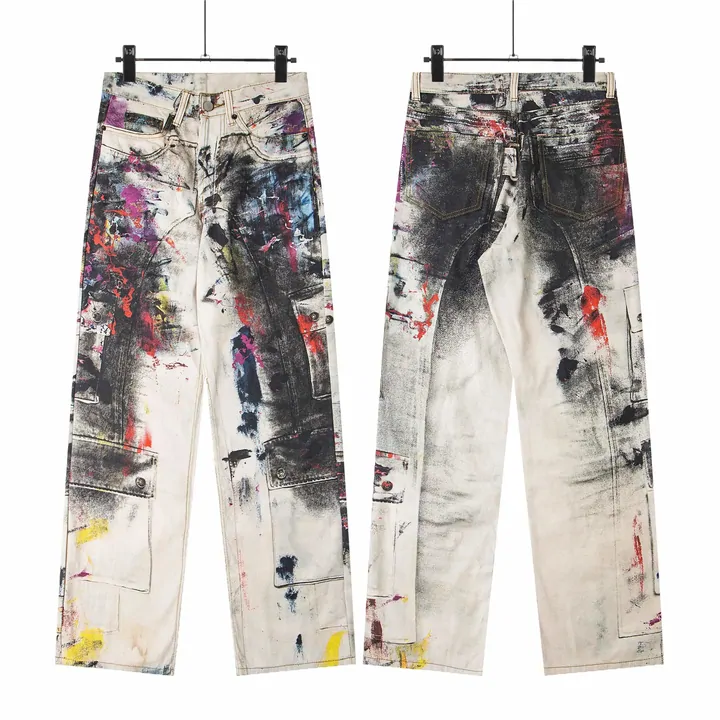

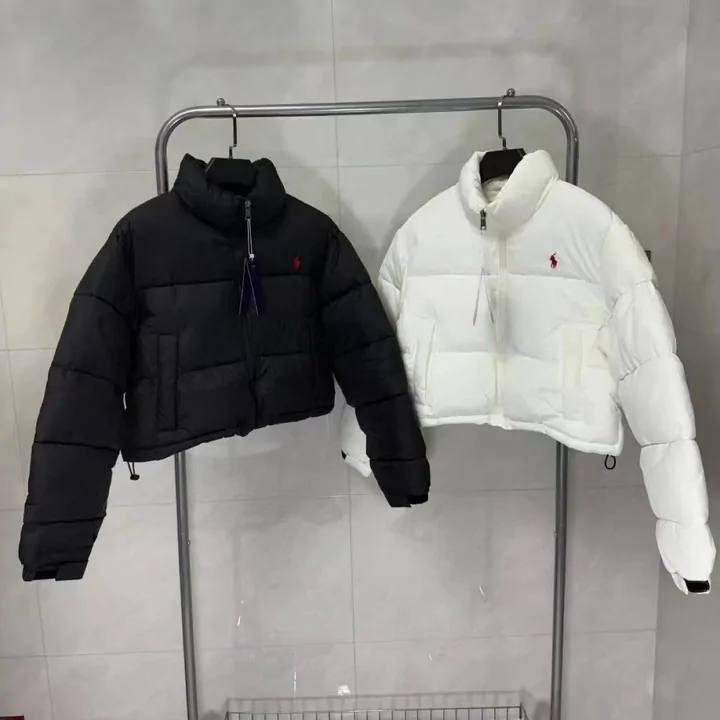







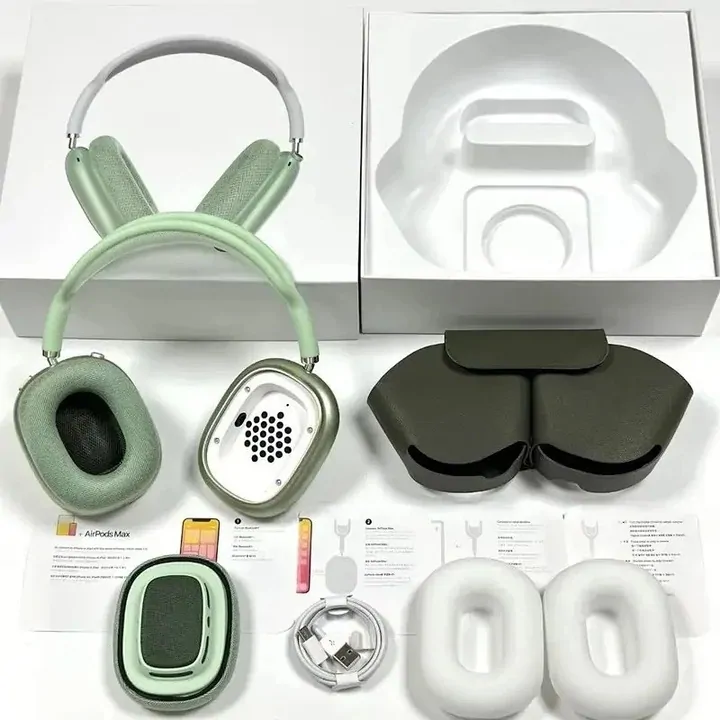
What is an ACBuy Spreadsheet?
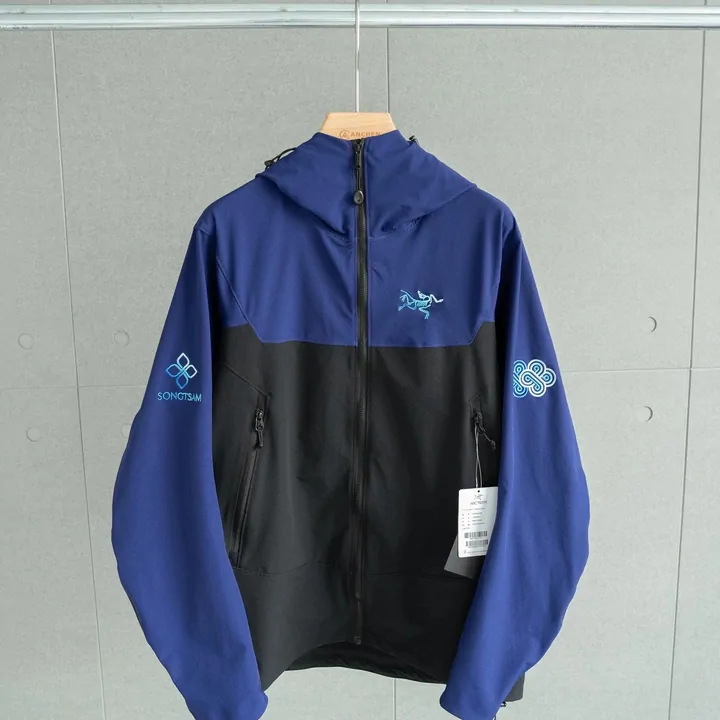
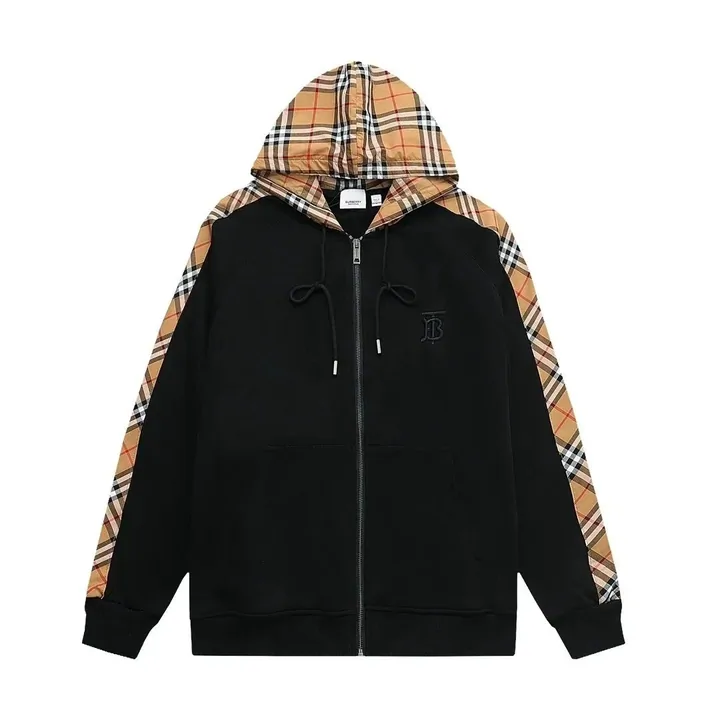
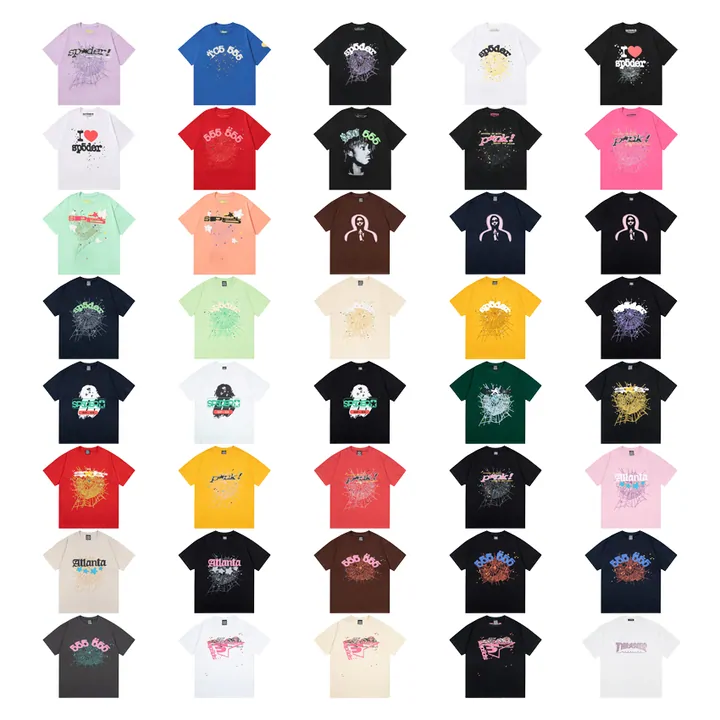
A Spreadsheet is a browsable product guide: photos and category links help you find a seller listing. It does not hold stock or take payment. Open the original listing to check the current price, size options and seller before copying its URL.
Why use this Spreadsheet?
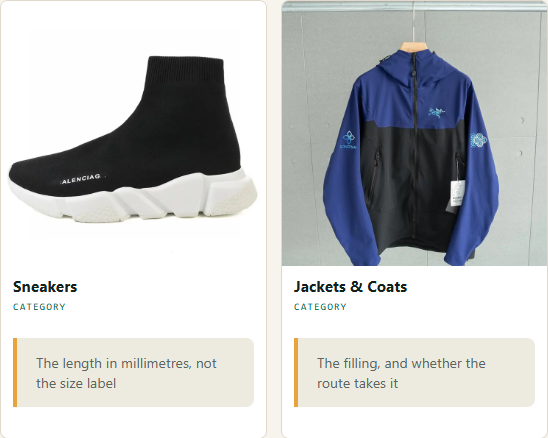
Each category points out a practical check, such as shoe measurements or battery restrictions. The order router then helps you choose between pasting a product URL and supplying the details in a DIY order.
What is ACBuy?
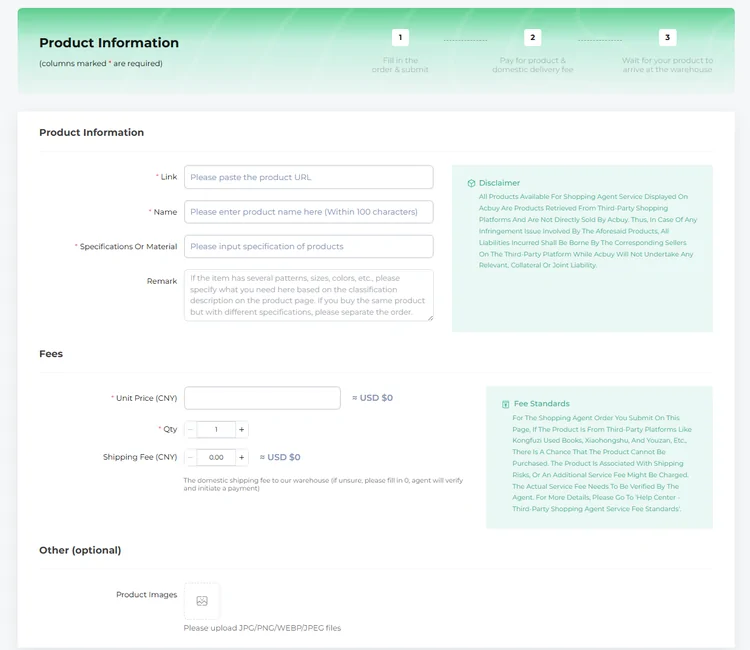
ACBuy is a shopping agent. You submit a seller’s product link, pay for the goods, and the agent purchases and receives them in its warehouse. After checking the warehouse photos, you choose items for an international parcel and pay for shipping separately.
Why choose ACBuy?
It can be useful when you need a buyer in China and want several sellers’ items handled in one account. Check that your product, destination and payment method are supported; compare the full parcel quote and return terms before committing.
How to use the Spreadsheet and ACBuy
- Choose and verify. Open a category, follow a product link, and check the seller, variant and measurement chart.
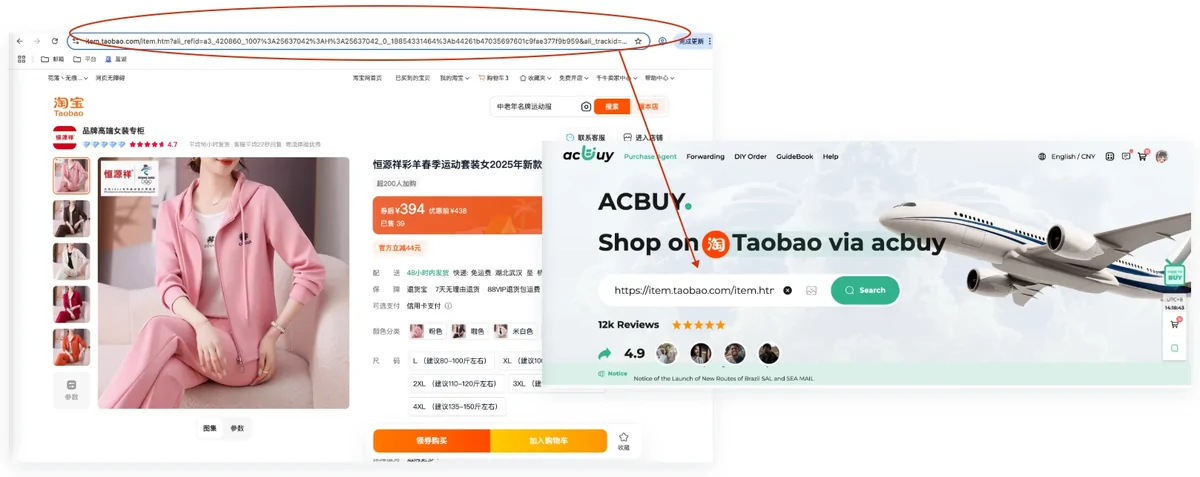
- Order through ACBuy. Paste the product URL; check the imported options and first payment before submitting.
- Review QC. Match the warehouse photos to your order. Request a specific measurement or ask about a return before releasing the item.
- Ship and follow up. Compare packing and route quotes, submit the parcel, then follow tracking and keep your delivery evidence.
Full ordering guide · QC and returns · Shipping and tracking
Guide, Help and FAQ
Before you pay
Work through product and seller checks, fees and the order router.
Category advice · Choosing a Spreadsheet · Costs and currency
After you order
Find what to check in QC photos, how to report a stalled order and what to keep when a parcel arrives.
Order problems · QC, GL and RL explained · Help and frequently asked questions
Announcements and guide updates · About this site · All pages